Prove your character arrives exactly as it left Blender
It looks right in Blender. Then it lands in the engine in a T-pose, at 1/100 size, or with
half its clips missing. Rig Proof catches those mistakes before you export, and proves the
import matches: every bone, every frame, every clip.
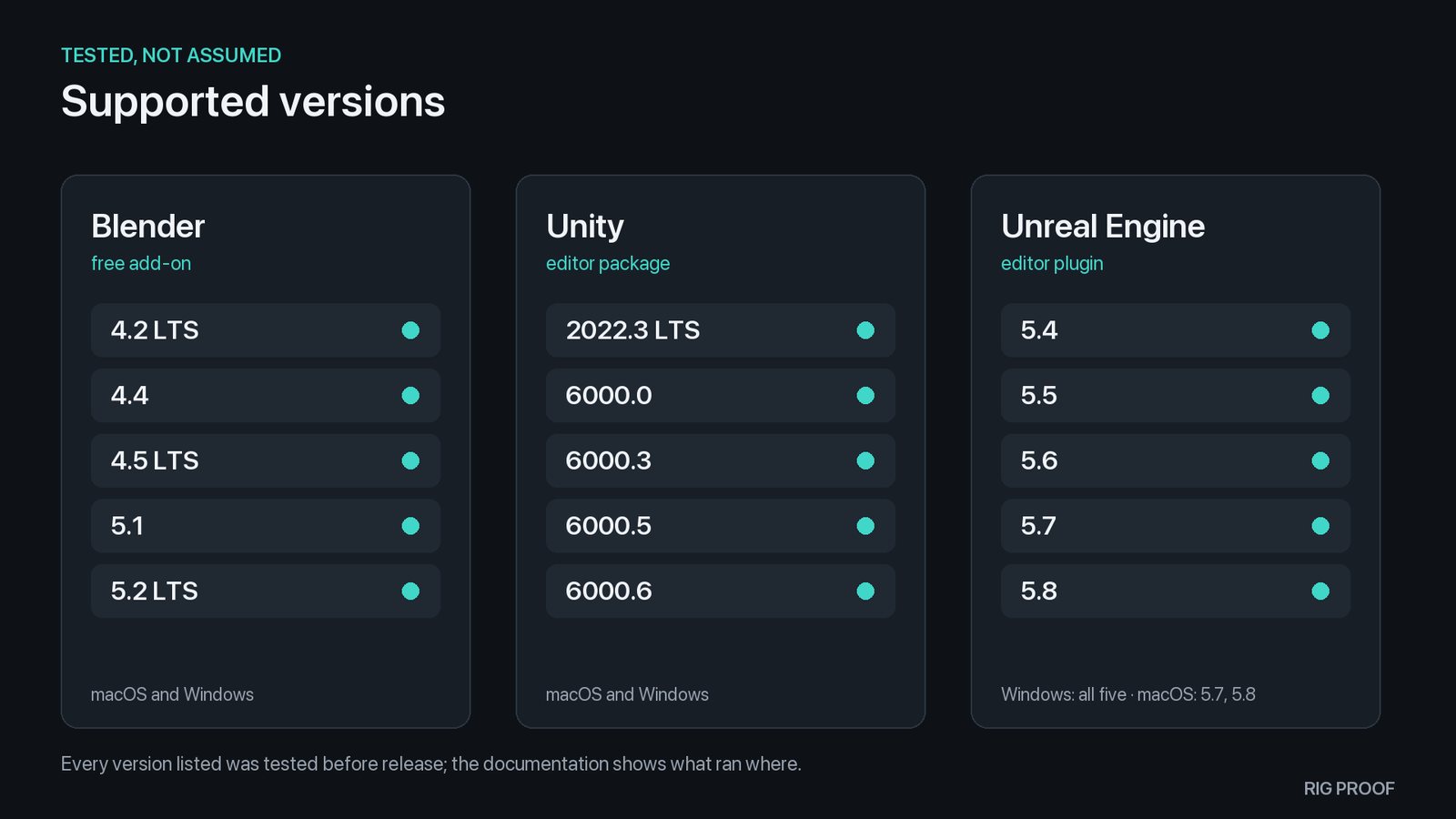
Free add-on: Blender 4.2 LTS to 5.2 LTS, GPL. Verifiers: one purchase on Fab includes both Unity and Unreal.
How it works
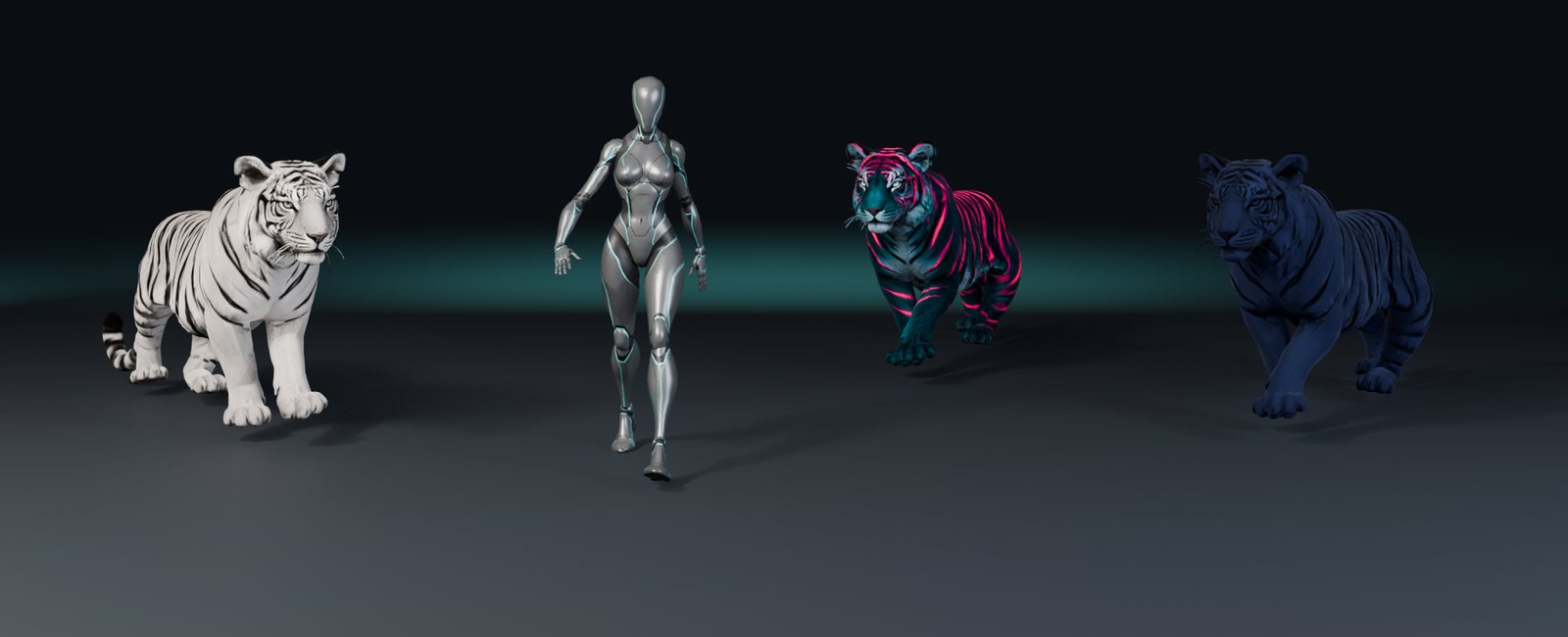
Three steps, the same on every character: a biped, a quadruped, anything with a skeleton.
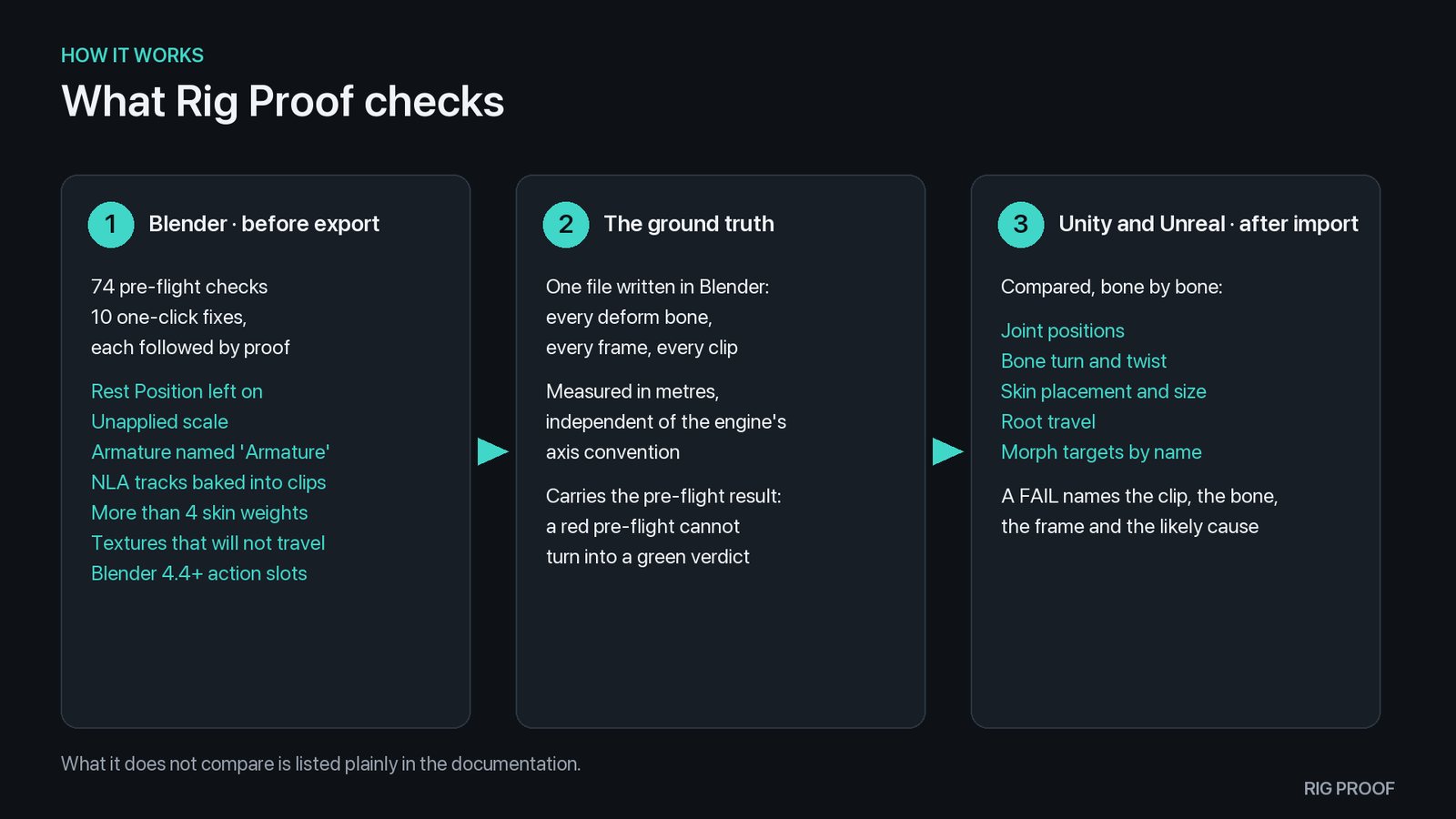
Check in Blender. The free add-on runs 74 pre-flight checks and explains each problem in plain
words: the armature left in Rest Position, an unapplied scale, NLA tracks baked into clips, textures that will
not travel. Ten of them fix with one click, and each fix is followed by proof that the animation did not move.
Write the ground truth. One file records every deform bone on every frame of every clip, in metres,
independent of any engine's axis convention.
Verify in the engine. In Unity or Unreal, Rig Proof compares the imported character against that file
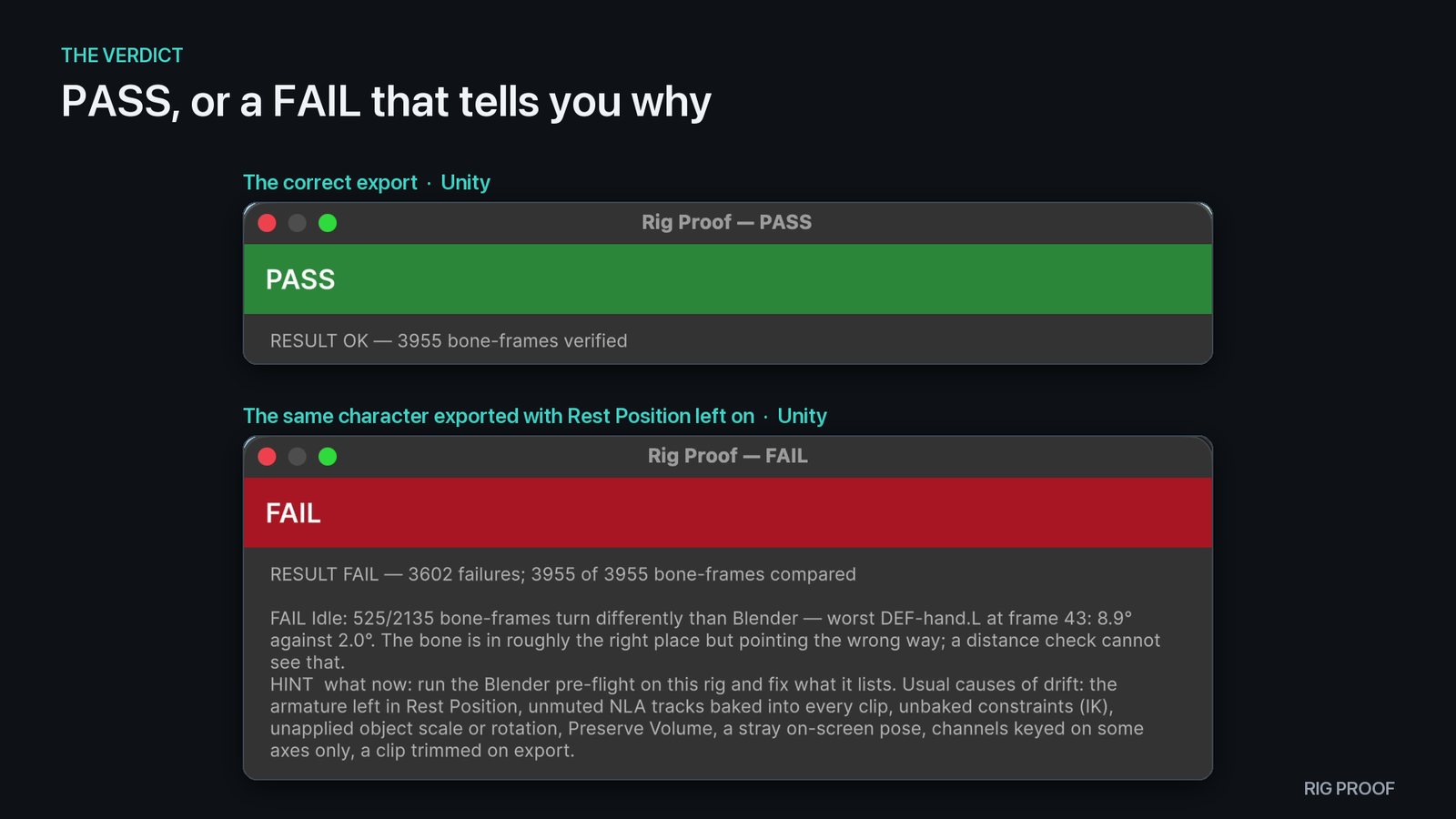
and answers RESULT OK — N bone-frames verified, or a FAIL that names the clip, the bone, the frame
and the likely cause.
Real reports from the shipped sample kit: the correct export passes, and the same character exported
with Rest Position left on fails with the reason and the fix.
Get it
Rig Proof for Blender
Free · GPL-2.0-or-later
The pre-flight checks, the one-click fixes and the ground-truth writer.
Blender 4.2 LTS, 4.4, 4.5 LTS, 5.1, 5.2 LTS
Edit ▸ Preferences ▸ Add-ons ▸ Install from Disk… ▸ the zip
The verifiers that compare your import against the ground truth, plus a textured sample kit with a correct and
a deliberately broken export of each character.
The download button on this page always gives the newest version. To update, install the new zip over the old
one, then restart Blender: Blender keeps the old code loaded until it restarts.
The Unity and Unreal verifiers
Updates arrive through your Fab library: open Fab, or the Fab plugin in your engine, and download the newest
version. When Unity, Unreal or Blender ships a new version, Rig Proof is tested on it again before the supported
list changes.
What changed
Each add-on release lists its changes on the
releases page.
Support
Questions, a character that fails when you think it should pass, or a version you need:
marcel.gilbert.dev@gmail.com
— answered within two business days. Include the report file Rig Proof writes; it names the versions and the
settings used.
What Rig Proof does not compare (for example a turn already present on the first frame, or the
shape of a morph target) is listed plainly in the documentation that comes with it.